
Crystal Board Cutting Machine: A Complete Guide from Selection to Process
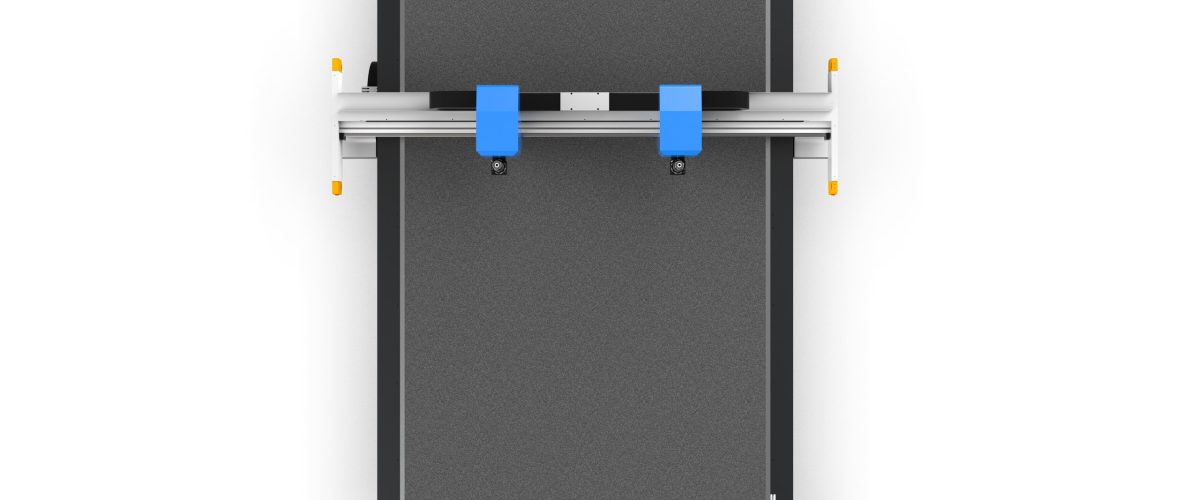
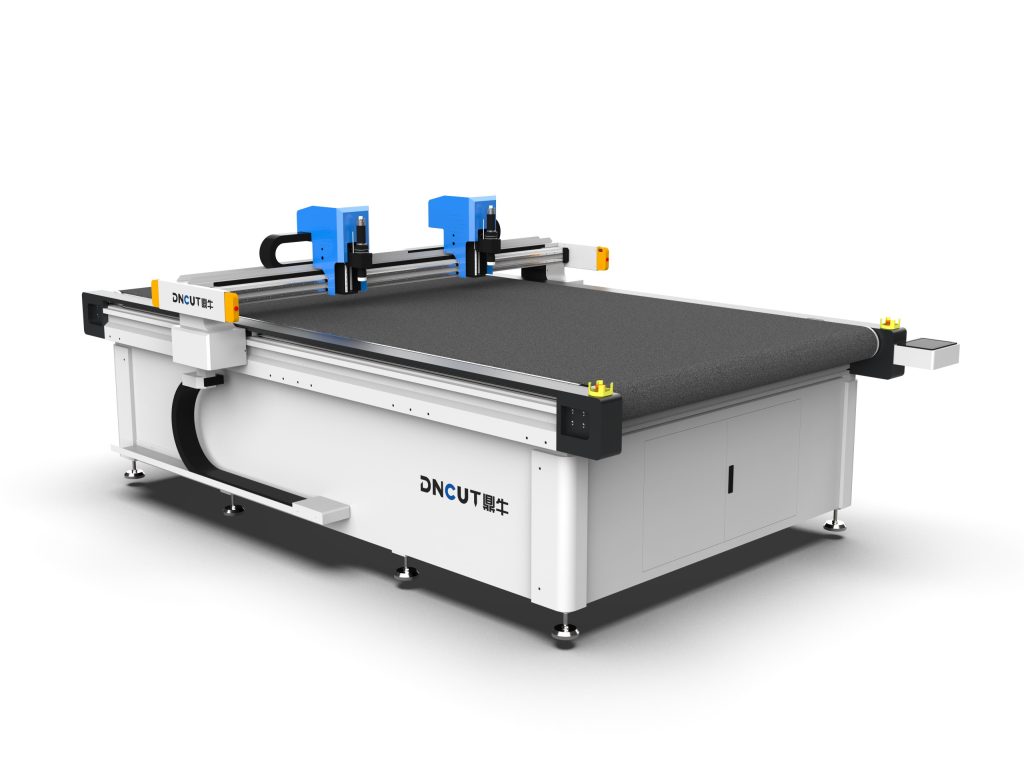
Crystal board (usually referring to acrylic/PMMA board, PC board, or PVC board) is widely used in advertising signage, furniture, light boxes, protective covers, and other fields due to its high transparency, weather resistance, and ease of processing. Traditional manual cutting or sawing methods have problems such as low precision, rough edges, and large material waste. The oscillating knife cutting machine (also known as crystal board cutting machine) performs cold cutting through a high-frequency vibrating blade, with no heat effect, no dust, and smooth cuts, and has become the mainstream equipment for crystal board processing. This article will focus on equipment selection, process parameters, operating techniques, and maintenance, providing practical and actionable guidance.
I. Core Types and Selection Basis of Crystal Board Cutting Machines
1.1 Classification by Cutting Principle
- Oscillating knife cutting machine: The blade vibrates up and down at a high frequency of thousands of times per minute (usually 1,000-10,000 times/min). During cutting, the material does not deform and there is no burning. Suitable for crystal boards with a thickness of 0.5-10mm, with good cut edge verticality, and can be equipped with various blades (such as 45° and 30° pointed knives).
- Drag knife cutting machine: The blade is fixed and cutting relies on mechanical dragging. Suitable for thin boards (≤3mm) and simple graphics. Low cost but slightly inferior precision.
- Laser cutting machine: Thermal cutting. Edges will turn yellow and toxic gases will be produced. Not recommended for transparent crystal boards, especially for PC boards, which are prone to carbonization.
For crystal boards, the oscillating knife cutting machine is the first choice, because its cold cutting characteristics can maintain the material’s original transparency and produce no smoke or dust.
1.2 Key Selection Parameters
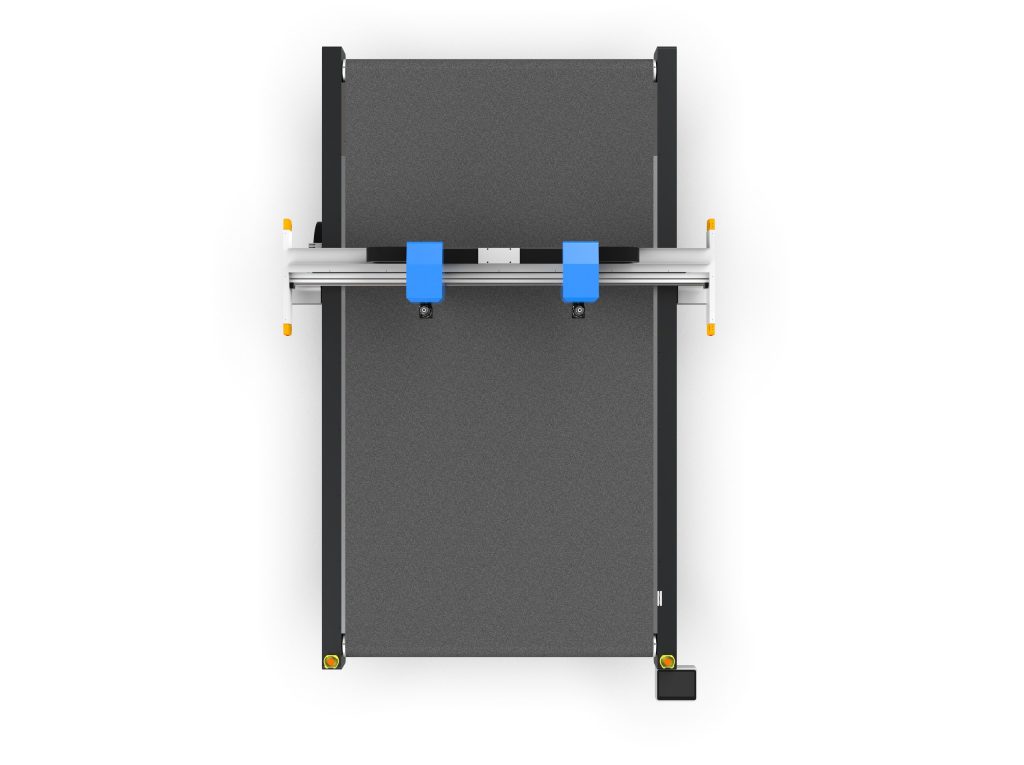
- Effective cutting working area: Choose according to common sheet sizes, such as 1300×2500mm, 1600×3000mm, etc. For processing large-format advertising boards, models of 1600×3000mm or above are recommended.
- Cutting thickness: Oscillating knife cutting machines can usually cut 0.5-10mm, and some heavy-duty models can reach 15mm. For thickness over 10mm, it is recommended to use a CNC engraving machine or saw cutting instead.
- Positioning accuracy: Repeat positioning accuracy should be ≤0.05mm to ensure batch cutting consistency.
- Transmission method: Rack and pinion (high speed, long travel) or timing belt (high accuracy, low noise). For precision cutting of crystal boards, ground-grade rack and pinion + linear guide rails are recommended.
- Control system: Mainstream options are DSP or PC-based systems, supporting HPGL, DXF, and PLT formats, with automatic nesting and breakpoint resume cutting functions.
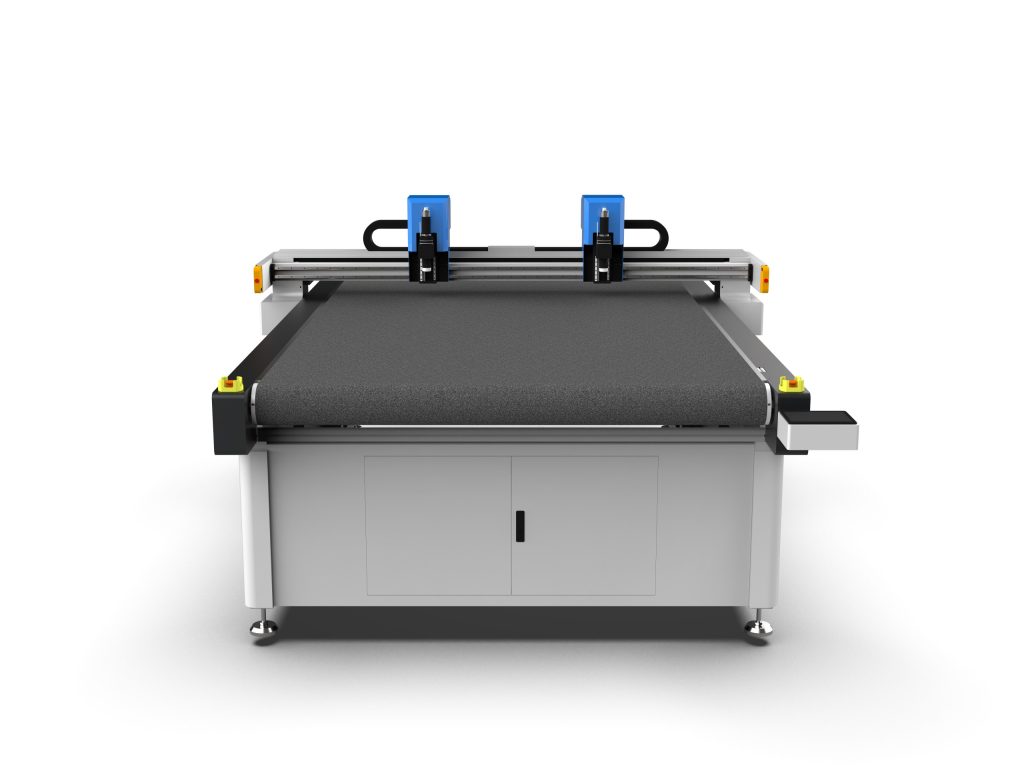
- Vacuum table: Zoned vacuum adsorption to ensure thin sheets do not move during cutting. For 0.5-2mm thin sheets, a high-negative-pressure vacuum pump is required.
II. Process Parameter Settings and Optimization
2.1 Blade Selection and Angle
- 45° pointed blade: General-purpose type, suitable for straight lines and simple curves, cutting thickness 0.5-5mm.
- 30° pointed blade: Used for fine patterns and small-radius arcs (R≤2mm), but the blade tip wears easily, requiring reduced cutting speed.
- Round blade: Suitable for thick plates (5-10mm) and long straight-line cutting, reducing cutting resistance.
Blade material is recommended to be carbide or high-speed steel, with hardness above HRC60 for long service life.
2.2 Vibration Frequency and Cutting Speed
The higher the oscillation frequency, the smoother the cut, but blade wear accelerates. For 3mm acrylic sheets, a frequency of 8000-12000 times/min and a cutting speed of 800-1500mm/s are recommended. Too fast a speed will cause serrated marks on the cut, while too slow a speed results in low efficiency. During actual adjustment, first test-cut at a medium speed, observe the cut surface quality, and then adjust gradually.
2.3 Cutting pressure and compensation
The knife-down pressure needs to be adjusted according to board thickness: for 0.5-1mm board, pressure 0.1-0.2MPa; for 2-3mm board, 0.2-0.4MPa; for 5mm and above, 0.4-0.6MPa. Excessive pressure can easily cause blade bending or material cracking. At the same time, set tool compensation in the software (usually 0.05-0.1mm) to offset the blade width.
2.4 Adsorption and Fixation
Be sure to turn on vacuum adsorption before cutting to ensure the board fits tightly against the table. For small-sized workpieces, add auxiliary pressure strips or use special fixtures. Avoid pressing the board with your hands during cutting to prevent displacement.
III. Operating Procedure and Troubleshooting Common Issues
3.1 Standard Operating Procedure
- Check whether the blade is sharp and securely installed.
- Clean the table surface to ensure there is no debris.
- Place the sheet flat on the table, turn on the suction, and check for warping.
- Import the cutting file and set the parameters (speed, frequency, pressure).
- Perform a trial cut and check the kerf quality and dimensional accuracy.
- Proceed with batch cutting and conduct regular spot checks.
- After cutting is completed, turn off the suction, remove the workpiece, and clean the table surface.
3.2 Common Problems and Countermeasures
- Whitish or burred cut edges: The blade is dull or the oscillation frequency is too low. Replace the blade or increase the frequency to above 10,000 strokes/minute.
- Incomplete cutting: Insufficient downforce or insufficient blade protrusion length. Increase the pressure or adjust the blade tip protrusion (typically 3-5 mm).
- Material displacement: Insufficient suction or warped board. Check the vacuum pump and sealing strip, or use double-sided tape to assist in securing.
- Cutting dimension deviation: Transmission backlash or tool compensation not set. Calibrate the rack-and-pinion backlash and correctly set the compensation value in the software.
- Blade breakage: Feed speed too fast or hard impurities encountered. Reduce the feed speed and clean the board surface.
IV. Maintenance and Safety Specifications
4.1 Daily Maintenance
- Clean the table surface and guide rails and remove chips every shift.
- Check blade wear weekly and replace in time.
- Lubricate linear guide rails and gear racks monthly (use lithium-based grease).
- Check the vacuum pump filter element quarterly, clean or replace it.
- Calibrate equipment accuracy regularly (use a standard circle or square frame test).
4.2 Safety Precautions
- Do not wear gloves during operation to prevent them from being caught in the blade.
- Wear cut-resistant gloves and use dedicated tools when replacing blades.
- Keep all body parts away from moving components while the equipment is running.
- Ensure proper grounding to avoid static buildup.
- When cutting PC boards, ensure ventilation to avoid inhaling dust (although cold cutting produces very little dust, protection is still required).
V. Application Cases and Benefit Analysis
Taking an advertising signage company as an example, a 1600×3000mm oscillating knife cutting machine is used to process 3mm acrylic sheets, with a cutting speed of 1200mm/s and a vibration frequency of 10,000 times/minute; the cut edge can be used directly without polishing. Compared with traditional sawing, efficiency is increased by 3 times, material utilization is improved by 15%, and there is no dust pollution. The equipment investment payback period is about 6-12 months.
Summary: The selection of a crystal board cutting machine requires comprehensive consideration of the working area, thickness, precision, and control system; process parameters need to be optimized according to material thickness and blade type; daily maintenance and safe operation are key to ensuring equipment life and personnel safety. Through scientific selection and fine-tuning, the crystal board cutting machine can significantly improve processing quality and production efficiency.