
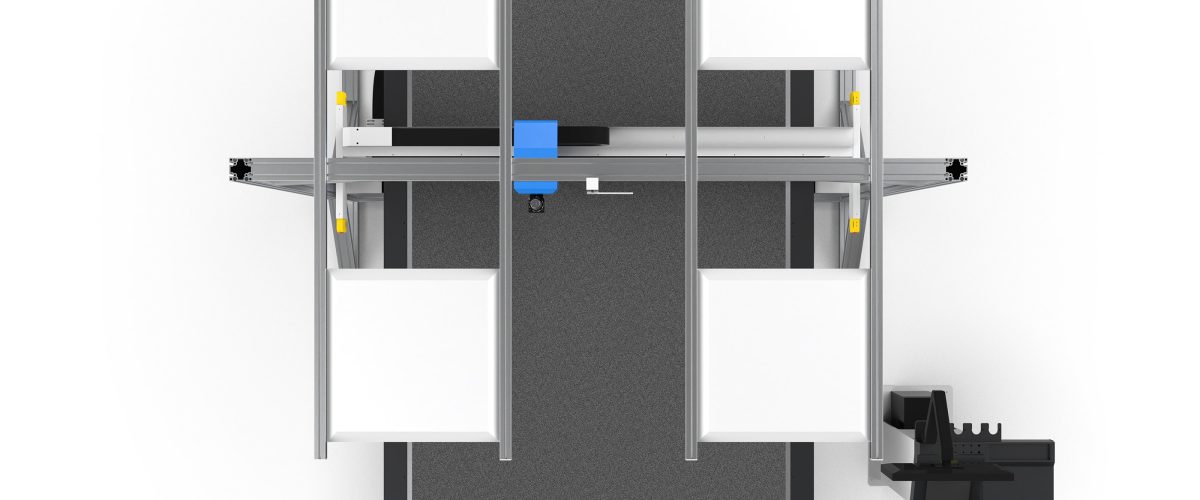
What Is a Cardboard Sample Cutting Machine?
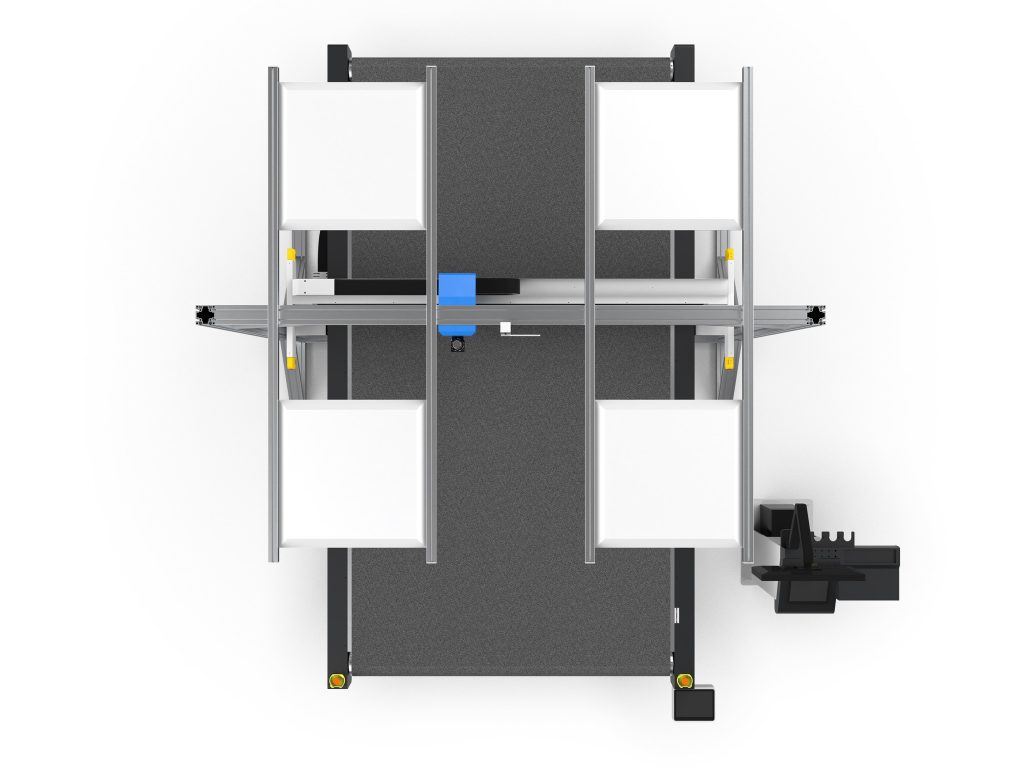
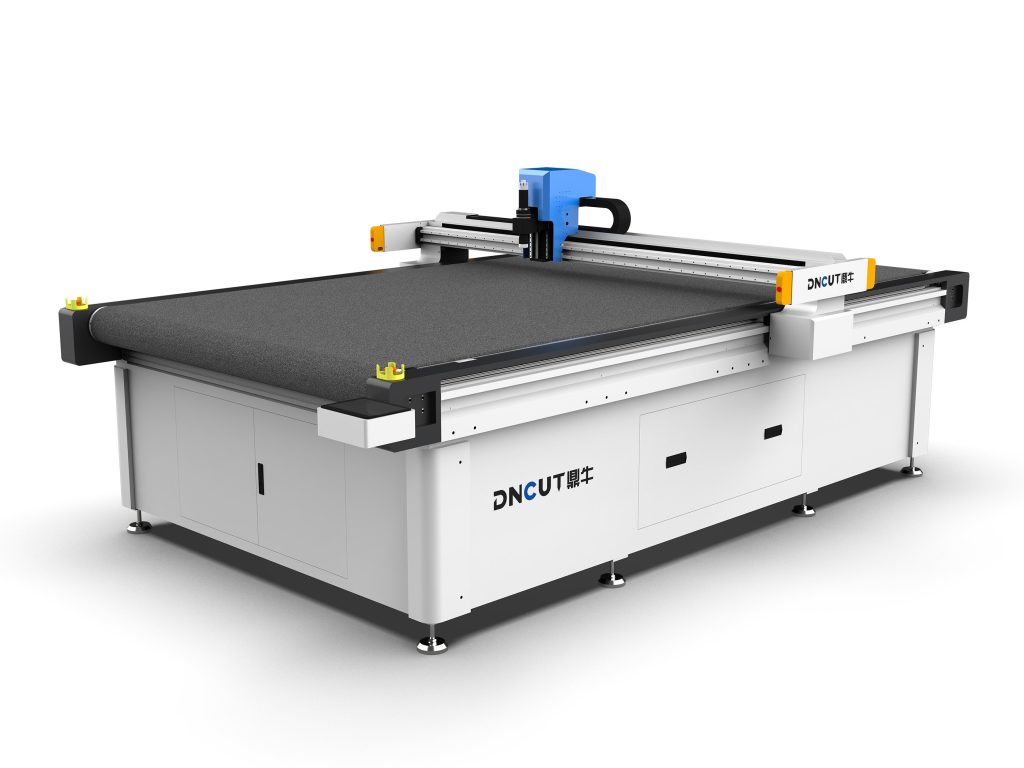
A cardboard sample cutting machine is a CNC cutting device dedicated to sheet materials such as cardboard and paperboard. It uses high-frequency oscillating blades or lasers to precisely cut, crease, and draw on materials, and is widely used in packaging design, advertising production, gift box proofing, and other fields. Compared with traditional manual sample cutting, a cardboard sample cutting machine can greatly improve sample precision and consistency and shorten the proofing cycle.
Core Parameter Analysis
When selecting a cardboard sample cutting machine, focus on the following technical parameters:
- Cutting precision: The industry standard is usually ±0.1mm, and high-precision models can reach ±0.05mm, which affects sample edge quality.
- Maximum cutting speed: The common range is 500-1200mm/s. Higher speed means higher efficiency, but it must match material thickness.
- Cutting thickness: Generally supports 0.5-3mm cardboard, and some models can cut corrugated paperboard over 5mm thick.
- Working area: Choose according to common sample sizes, such as 600×400mm, 900×600mm, or custom sizes.
- Tool types: Includes oscillating knife, drag knife, circular knife, creasing wheel, drawing pen, etc., to meet different process requirements.
- Control system: Mainstream systems use servo motors + guide rail structures, support HPGL, DXF, PLT, and other formats, and are compatible with CAD/CAM software.
How to Choose a Suitable Cardboard Sample Cutting Machine
1. Clarify Production Requirements
Determine equipment specifications based on sample complexity, material type, and capacity requirements. For example, packaging companies often need to process cardboard, corrugated paper, and gray board paper, so they should choose multi-functional tool configurations and a larger table; advertising companies pay more attention to cutting speed and drawing precision.
2. Evaluate Cutting Quality
Ask the supplier to provide sample trial cutting, and check whether the cut edges are smooth and burr-free and whether the creases are clear and easy to fold. Observe the machine’s stability during high-speed operation to avoid jagged edges or offset.
3. Examine Software Compatibility
Ensure the equipment supports export formats from common design software (such as AutoCAD, Illustrator, and CorelDRAW) and has path optimization functions to reduce idle travel time.
4. Consider Expandability and After-Sales Service
Choose models with upgradeable tools and accessories to adapt to future business changes. At the same time, confirm the supplier’s installation training, warranty period, and spare parts supply capability.
Operating Techniques and Parameter Settings
Tool Selection and Adjustment
When cutting cardboard, the oscillating knife is suitable for complex graphics and thick cardboard, while the drag knife is suitable for thin paper and fine lines. The blade tip extension length should be slightly greater than the material thickness, usually material thickness +0.2mm, to ensure complete cutting without damaging the cutting mat.
Cutting Speed and Pressure
The initial speed is recommended to be set at 800mm/s and adjusted according to material thickness: thin cardboard (0.5mm) can be increased to 1000mm/s, and thick cardboard (2mm) should be reduced to 600mm/s. Cutting pressure needs to be determined through trial cutting, with the criterion being a flat cut edge without burrs.
Creasing and Drawing
The creasing depth is usually 1/3 of the material thickness. When using a creasing wheel, the pressure spring needs to be adjusted. The drawing pen should maintain light contact with the paper surface to avoid ink diffusion.
Fixing Materials
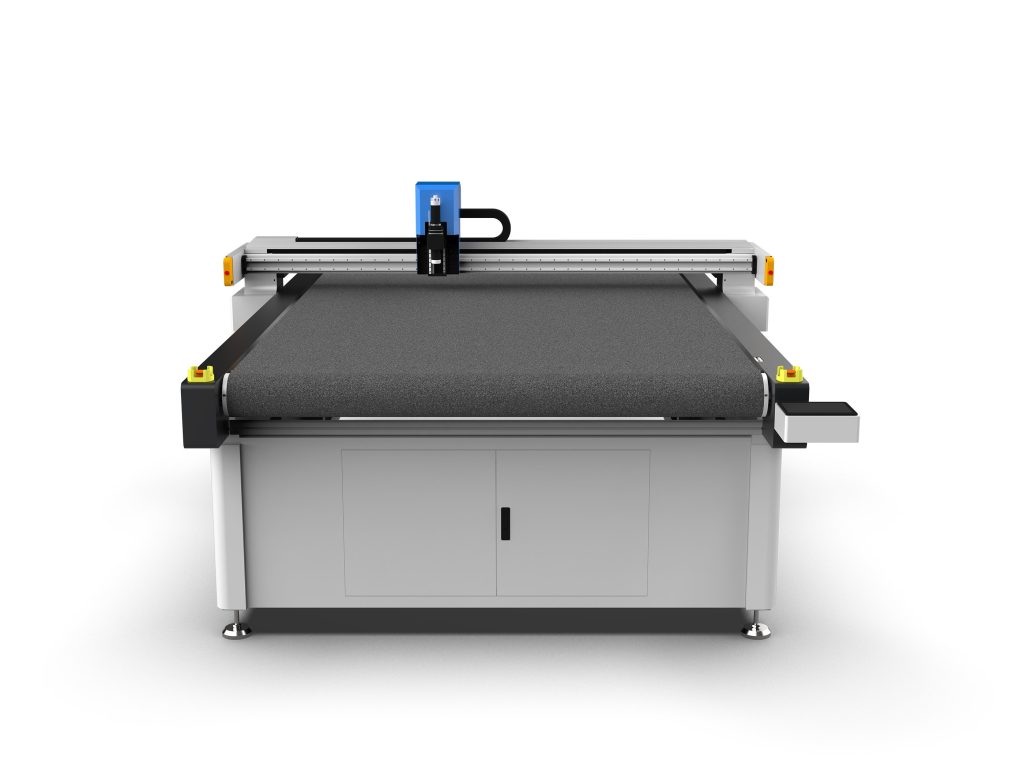
Use a vacuum adsorption table to fix the cardboard and prevent displacement during cutting. For small-sized samples, add auxiliary fixtures or use double-sided tape for fixation.
Common Problems and Solutions
- Cut edges are not smooth: Check whether the blade is worn, adjust cutting speed and pressure, or replace the oscillating knife.
- Cutting is incomplete: Increase the blade tip extension length or reduce cutting speed, and ensure the cutting mat is flat.
- Graphics are offset: Check whether the guide rail and timing belt are loose, and recalibrate the origin.
- Crease lines break easily: Adjust the creasing wheel pressure or change the crease line width.
Maintenance and Care
Clean the table and guide rails daily to remove paper scraps; check blade wear weekly and replace in time; lubricate guide rails and lead screws monthly and check air circuit sealing. When not in use for a long time, release the tool pressure and cover with a dust cover.
Application Case
A packaging company uses a 900×600mm cardboard sample cutting machine equipped with an oscillating knife and creasing wheel. It produces 30-50 packaging samples per day, with cutting precision of ±0.1mm. Proofing time has been shortened from 2 hours by hand to 15 minutes, and material waste has been reduced by 20%.
Summary
The selection of a cardboard sample cutting machine requires comprehensive consideration of precision, speed, material adaptability, and software compatibility. Correct operating parameters and maintenance habits can extend equipment life and ensure sample quality. Users are advised to conduct sufficient trial cutting before purchasing and choose suppliers with technical support.