
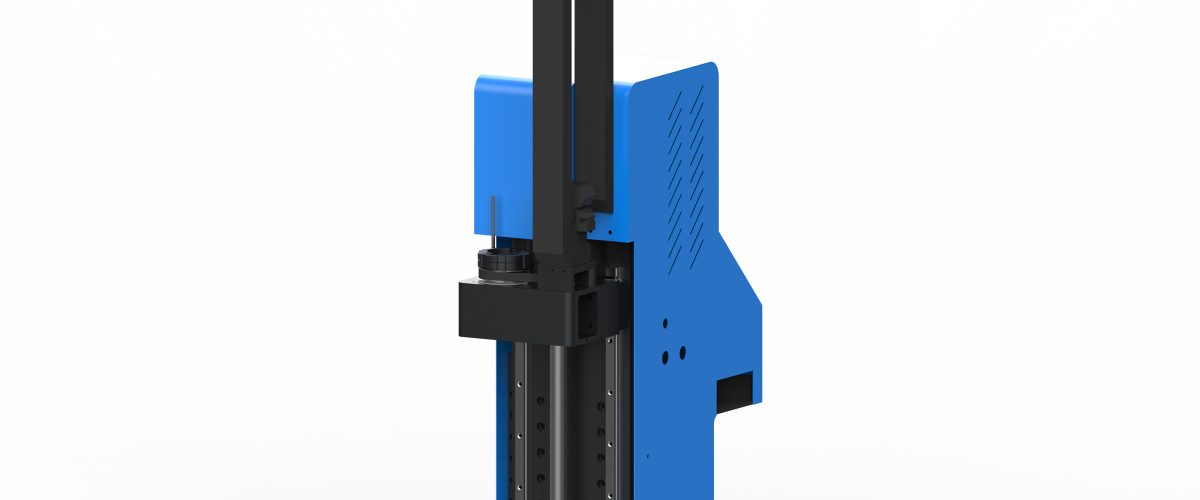
What is a cardboard proofing machine?
A cardboard proofing machine is a CNC device specifically used for cutting and proofing paper materials such as cardboard, paperboard, and corrugated paper. It usually adopts oscillating knife cutting technology, using a high-frequency oscillating blade to cut materials vertically, enabling rapid sample production without the need to make cutting dies. It is widely used in packaging design, printing proofing, carton structure verification, and other processes, significantly shortening the cycle from design to physical object and reducing development costs.
Compared with traditional laser cutting and die stamping, the cardboard proofing machine features no burnt edges, no smoke or dust, high precision, and strong adaptability, making it especially suitable for small-batch, multi-variety sample production needs.
Core working principle
The equipment imports design drawings through CAD/CAM software, and the control system drives the cutting head to move along the X and Y axes, while the oscillating knife blade vibrates up and down at a high frequency of thousands of times per minute, achieving precise cutting of cardboard. Depending on the material thickness and hardness, the vibration frequency and cutting speed can be adjusted to ensure a smooth cut without burrs.
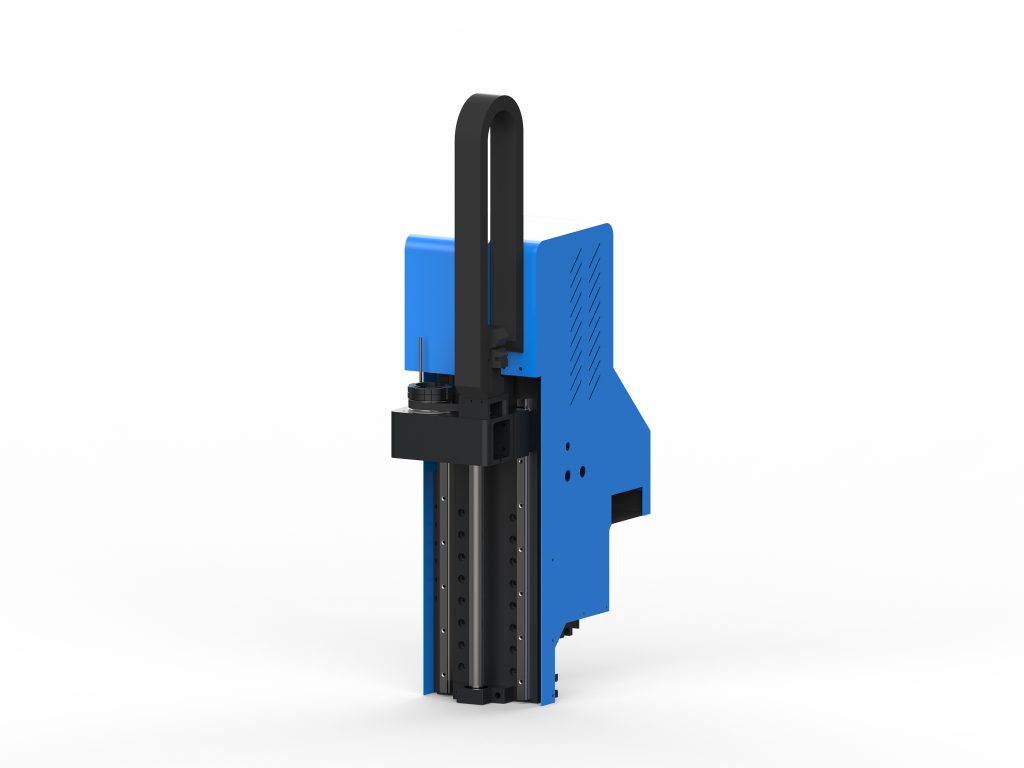
Key technical parameters of cardboard proofing machines
When selecting a cardboard proofing machine, pay close attention to the following parameters to ensure the equipment meets production requirements:
- Cutting accuracy: Typically required to be within ±0.1mm; high-precision models can reach ±0.05mm, affecting the dimensional accuracy of samples.
- Maximum cutting size: Common specifications include 600×500mm, 1000×800mm, 1300×1000mm, etc.; choose according to commonly used sample sizes.
- Cutting speed: Idle speed can reach over 1000mm/s; cutting speed is adjusted according to material thickness, generally between 200-800mm/s.
- Blade types: Including oscillating knife, drag knife, round knife, punching knife, etc. The oscillating knife is suitable for cardboard cutting, the drag knife for thin paper, and the round knife for thick cardboard.
- Control system: Mainstream systems use servo motors + linear guides to ensure stability during high-speed operation.
- Software compatibility: Supports formats such as AI, CAD, DXF, PLT, and preferably can directly import PDF files.
- Table configuration: Optional vacuum adsorption table to ensure the material does not shift during cutting.
How to Choose a Suitable Cardboard Proofing Machine
1. Choose Based on Material Characteristics
The basis weight and thickness of different cardboards vary greatly. For example, white cardboard commonly uses 250-400g/m², and corrugated cardboard can reach a thickness of 5mm or more. For thin cardboard (2mm), it is recommended to use an oscillating knife equipped with a high-power motor. If corrugated cardboard is frequently cut, the machine’s maximum cutting thickness and blade durability need to be considered.
2. Choose Based on Sample Size
The machine’s table size should be slightly larger than the unfolded size of commonly used samples. For example, if mainly producing electronic product packaging boxes, the unfolded size is usually within 500×400mm, so a 600×500mm table is sufficient; if large display stands or furniture packaging are involved, a 1300×1000mm or larger table is required.
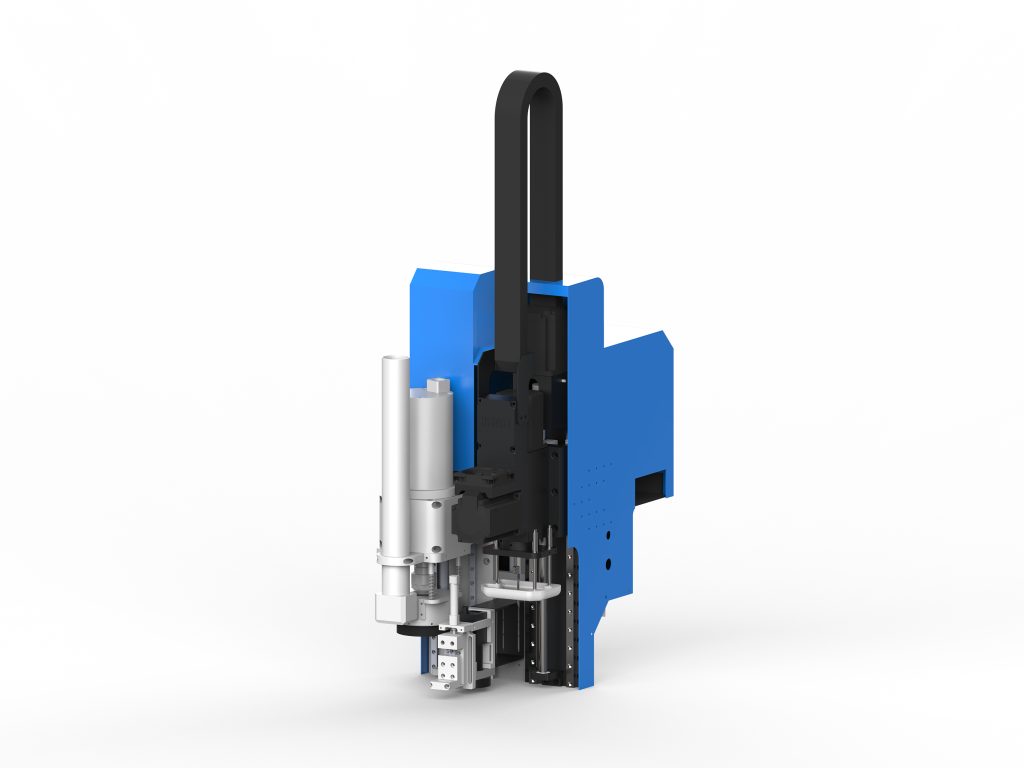
3. Choose based on production volume
For small-batch proofing, you can choose an entry-level model, focusing on cost-effectiveness; if you also need to handle small-batch production, you should choose a high-speed model and consider an automatic feeding system. At the same time, pay attention to the equipment’s continuous operation stability to avoid downtime caused by overheating.
4. Software and Ease of Operation
An excellent proofing machine should be equipped with intuitive control software that supports one-click import of design files, automatic nesting, and simulation of cutting paths. The operation interface is best in Chinese to reduce the learning cost. In addition, check whether it supports network transmission and remote upgrades.
5. Brand and After-Sales Service
Choose a brand with technical strength to ensure parts supply and maintenance response. It is recommended to inspect the equipment operation on site and request sample cutting results. After-sales service includes installation and commissioning, operation training, and warranty period; the warranty period is usually 1-2 years.
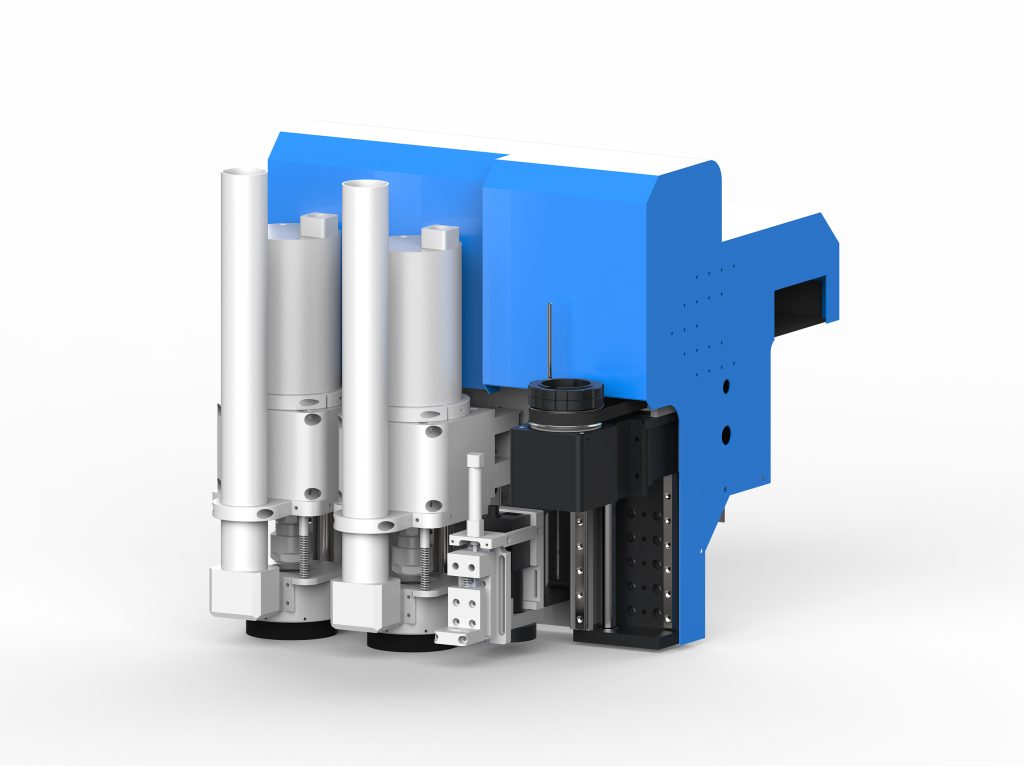
Operating Procedure and Tips for Cardboard Proofing Machines
Operating Procedure
- File preparation: Complete the design in CAD or AI, ensure lines are closed and free of overlaps, and export as DXF or PLT format.
- Import and layout: Import the file into the proofing machine software, adjust the position, and set the cutting paths and sequence.
- Parameter settings: According to the material type and thickness, select the blade type, oscillation frequency, cutting speed, blade down depth and other parameters.
- Material fixing: Lay the cardstock flat on the table, turn on vacuum adsorption, and ensure the material fits tightly.
- Test cut and adjustment: First perform a small-area test cut, check the cut quality, and fine-tune the parameters if necessary.
- Formal cutting: Start the cutting program, monitor the running status, and clean up waste promptly.
- Post-processing: Remove the sample, trim off excess parts, and perform subsequent processing such as creasing and folding.
Practical Tips
Blade Selection: When cutting thin cardstock, use a sharp new blade to avoid tearing; when cutting thick cardstock, use a wear-resistant carbide blade and appropriately reduce the cutting speed.
Path Optimization: Plan the cutting sequence reasonably, cutting inner contours before outer ones, to reduce idle travel and improve efficiency.
Multi-layer Cutting: For small-sized samples, multiple layers can be stacked for cutting, but ensure each layer of material is securely fixed and the total thickness does not exceed the machine’s capacity.
Creasing: If creases are needed, use a creasing knife or replace with a creasing wheel tool, and set the appropriate pressure and depth to avoid cutting through the material.
Common Problems and Solutions
- Rough cut edge: Check whether the blade is worn, adjust the oscillation frequency and cutting speed, and ensure the blade is sharp.
- Material displacement: Check whether vacuum adsorption is turned on and whether the table sealing strip is intact; if necessary, use tape to secure the edges.
- Inconsistent cutting depth: Calibrate the table levelness, check the distance between the blade tip and the table, and adjust the cutting depth compensation.
- Software error: Check whether the file format is compatible and whether the lines are closed, and update the software version.
- Blade breakage: Reduce the cutting speed, avoid lateral force, and select a blade suitable for the material thickness.
Maintenance and Care
Regular maintenance can extend equipment life and ensure cutting accuracy:
- Clean the table and guide rails daily to remove paper scraps and dust.
- Check blade wear weekly and replace in time.
- Lubricate linear guide rails and lead screws monthly with dedicated lubricating oil.
- Check electrical connections and pneumatic sealing quarterly.
- When idle for a long time, disconnect power and take dust-proof measures.
Mainstream Market Brands and Price Reference
Currently, there are many brands of cardboard proofing machines on the market. Imported brands such as Zünd and Esko offer high precision but are expensive (over 200,000 yuan), while domestic brands such as dncut, Jingwei, and Aoke stand out for their cost-effectiveness, with prices ranging from 50,000 to 150,000 yuan, varying according to configuration and working area. It is recommended to choose based on budget and needs; domestic brands have more advantages in after-sales service.
Summary
The cardboard proofing machine is the core equipment for packaging design proofing. When purchasing, it is necessary to comprehensively consider material characteristics, sample size, production requirements, and software compatibility. Correct operation and regular maintenance are key to ensuring proofing accuracy and equipment lifespan. Through the guidance in this article, we hope to help you choose the right equipment and improve proofing efficiency and quality.